
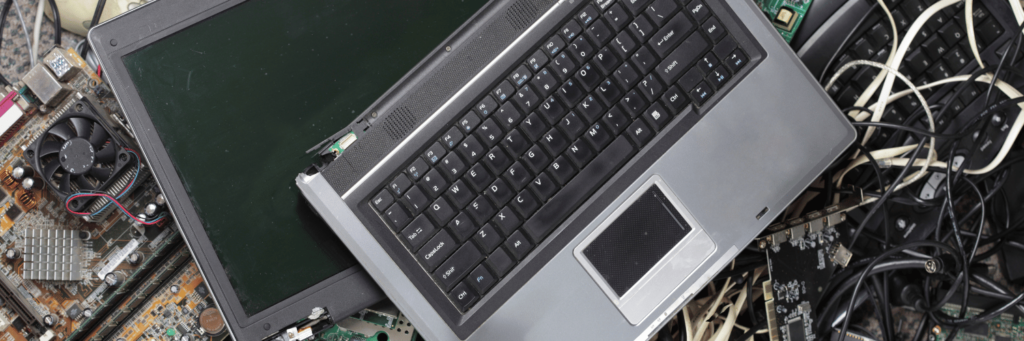
Disposing of electronics properly is important to prevent environmental harm and comply with regulations. Here’s a concise guide:
- Check for Reuse Options:
- Donate: If the device is functional, donate it to schools, charities, or community centers. Organizations like Goodwill or local nonprofits often accept working electronics.
- Sell or Trade: Use platforms like eBay, Craigslist, or trade-in programs from retailers like Amazon, Apple, or Best Buy for credit.
- Recycle Responsibly:
- Find Certified Recyclers: Look for e-Stewards or R2-certified recycling facilities, which follow strict environmental standards. Check websites like epa.gov or earth911.com for local options.
- Retailer Programs: Many stores, such as Best Buy, Staples, or Apple, offer free recycling for electronics, even if you didn’t purchase from them.
- Manufacturer Take-Back: Some brands, like Dell or HP, have mail-back programs for their products.
- Local Drop-Offs: Municipal waste facilities or special e-waste collecti
- Prepare Devices for Disposal:
- Data Wipe: Factory reset devices or use data-wiping software (e.g., DBAN) to erase personal information. Remove hard drives if necessary.
- Remove Batteries: Separate lithium-ion batteries, as they may require special handling.
- Check Local Rules: Some areas have specific regulations for items like CRT monitors or rechargeable batteries.
- Hazardous Items:
- Items like old TVs, fluorescent bulbs, or devices with mercury require special care. Contact your local hazardous waste facility for guidance.
- Items like old TVs, fluorescent bulbs, or devices with mercury require special care. Contact your local hazardous waste facility for guidance.
- Avoid Landfills:
- Do not throw electronics in regular trash, as they contain toxic materials like lead, mercury, or cadmium that can harm the environment.
Looking for Junk Removal?
Let’s Talk